[Working] Increase file/Plugin Uplaod Size in WordPress
To increase the file upload size limit in WordPress, you’ll need to perform few settings, both in the WordPress configuration and potentially in your server configuration.…
To increase the file upload size limit in WordPress, you’ll need to perform few settings, both in the WordPress configuration and potentially in your server configuration.…
To set up a permanent (301) redirect from HTTP to HTTPS using the .htaccess file, you can add the following code snippet to your website’s .htaccess…
To solve these issues add the below code in your function.php function remove_page_from_query_string($query_string) { if ($query_string[‘name’] == ‘page’ && isset($query_string[‘page’])) { unset($query_string[‘name’]); $query_string[‘paged’] = $query_string[‘page’]; }…
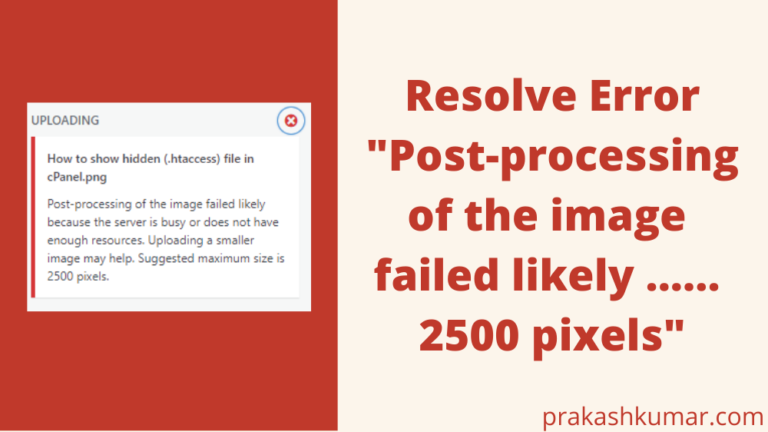
The error “Post-processing of the image failed likely because the server is busy or does not have enough resources. Uploading a smaller image may help. Suggested…
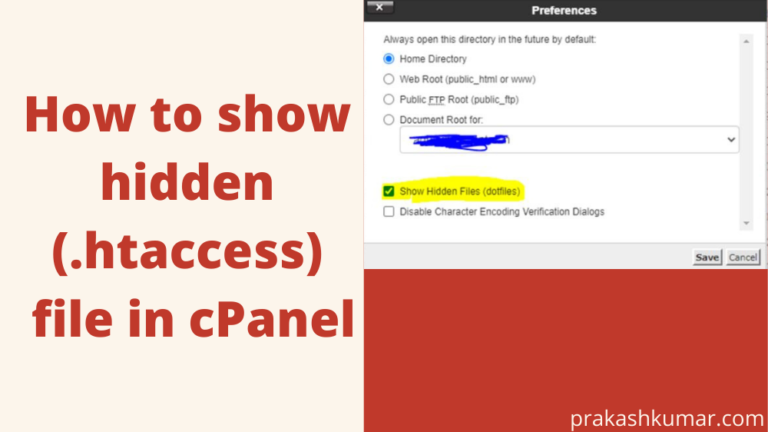
To show or make visible the hidden file in cPanel, first of all you need to login into your cPanel by using your username and password.…